eBook Reader News
eBook Reader News is our running feed for the e-ink world, and our promise is simple: we will not waste your time. Firmware drops, new hardware, seasonal price crashes, store changes, we track them across Kindle, Kobo, reMarkable, Boox and the rest, then tell you the one thing you actually want to know, which is whether to buy now, update now, or wait. No breathless launch-day hype, no reprinting a press release. Just what changed and whether it matters to you.







What This News Feed Covers
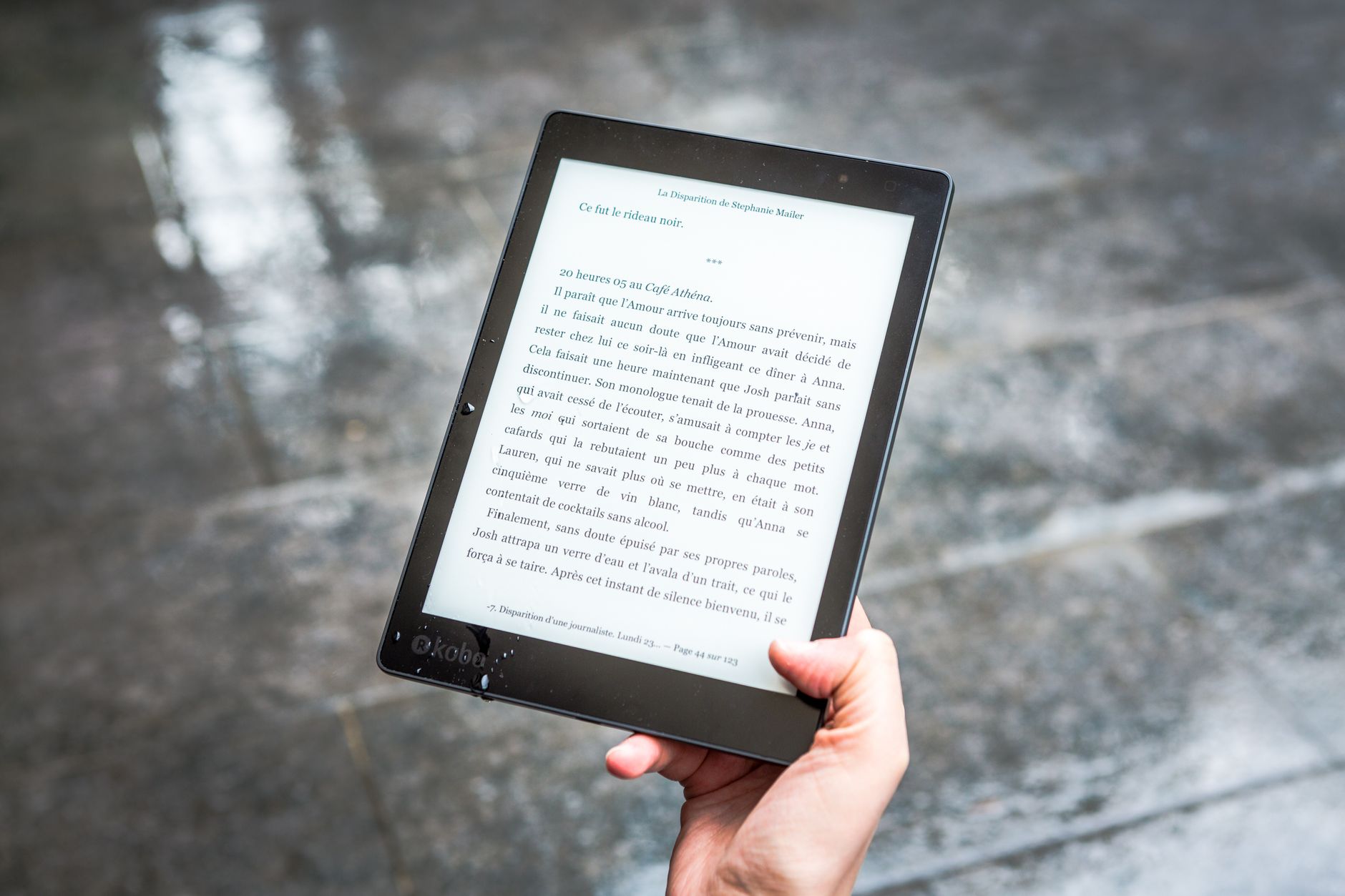
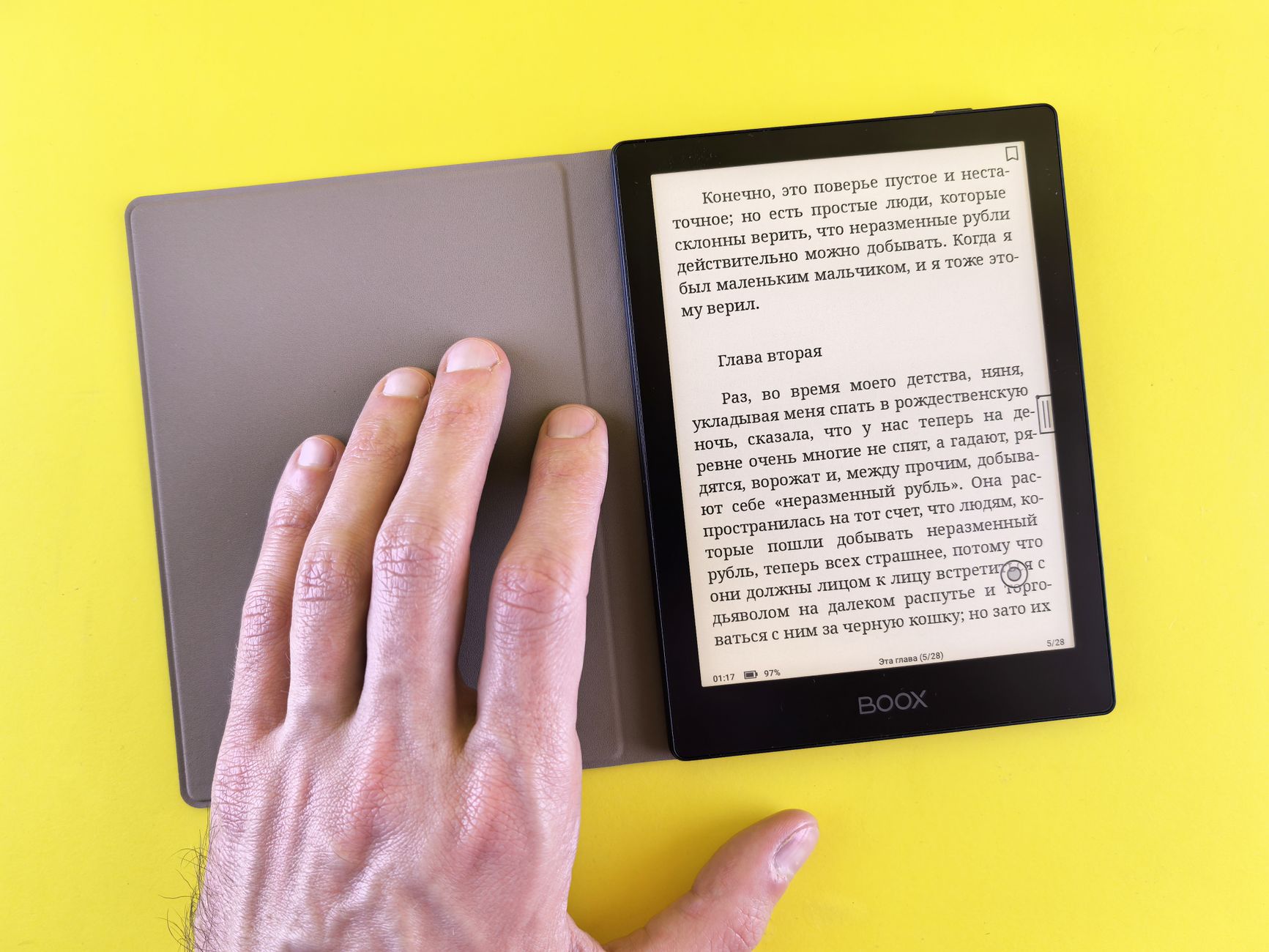
This is timely coverage of dedicated e-readers and e-ink tablets: software rollouts, hardware announcements, price drops, and availability shifts. We chase signal, not noise, so every post tells you what changed and who should care, whether that is a new Kindle Paperwhite generation or a Kobo firmware update that finally fixes a nagging bug.
We prioritize the things that change your day: reading features, format support, note-taking tools, store policies, connectivity. When an update is purely cosmetic or a minor point release, we say so in plain terms, so you can skip it and lose nothing. That honesty is the whole value of a news feed run by people who actually use these devices.
Firmware Updates Worth Watching
Firmware is where the quietest but biggest changes land: new gestures, a rebuilt interface, smarter handling of PDFs and EPUB. Kobo in particular ships real improvements this way, and a good update can make a two-year-old device feel new. We flag the ones that improve speed or fix long-standing annoyances, and we are equally quick to warn you when an update introduces a regression that makes things worse.
Rollouts are staggered by region and model, so your device may not see an update the day it is announced. We describe the visible changes, the ones you will actually notice, rather than reciting internal version numbers, so the notes stay useful whether you own a Kindle, a Kobo Libra Colour, or a Boox tablet on its own release channel.
Kindle and Amazon Updates
Kindle news usually means new hardware, display and lighting tweaks, and changes to the reading interface or store. We cover the launches and refreshes, like a new Paperwhite or Scribe, and we are honest about how much any of it actually improves reading versus how much is just a fresh model number.
Amazon is also where sale timing matters most, because Kindles get their steepest discounts around big shopping events. We call out the genuinely good deals and, just as importantly, tell you when a discount is mediocre and worth ignoring. We also clarify which features carry over between generations, so you do not upgrade for something your current Kindle already does.
Kobo News and Library Reading
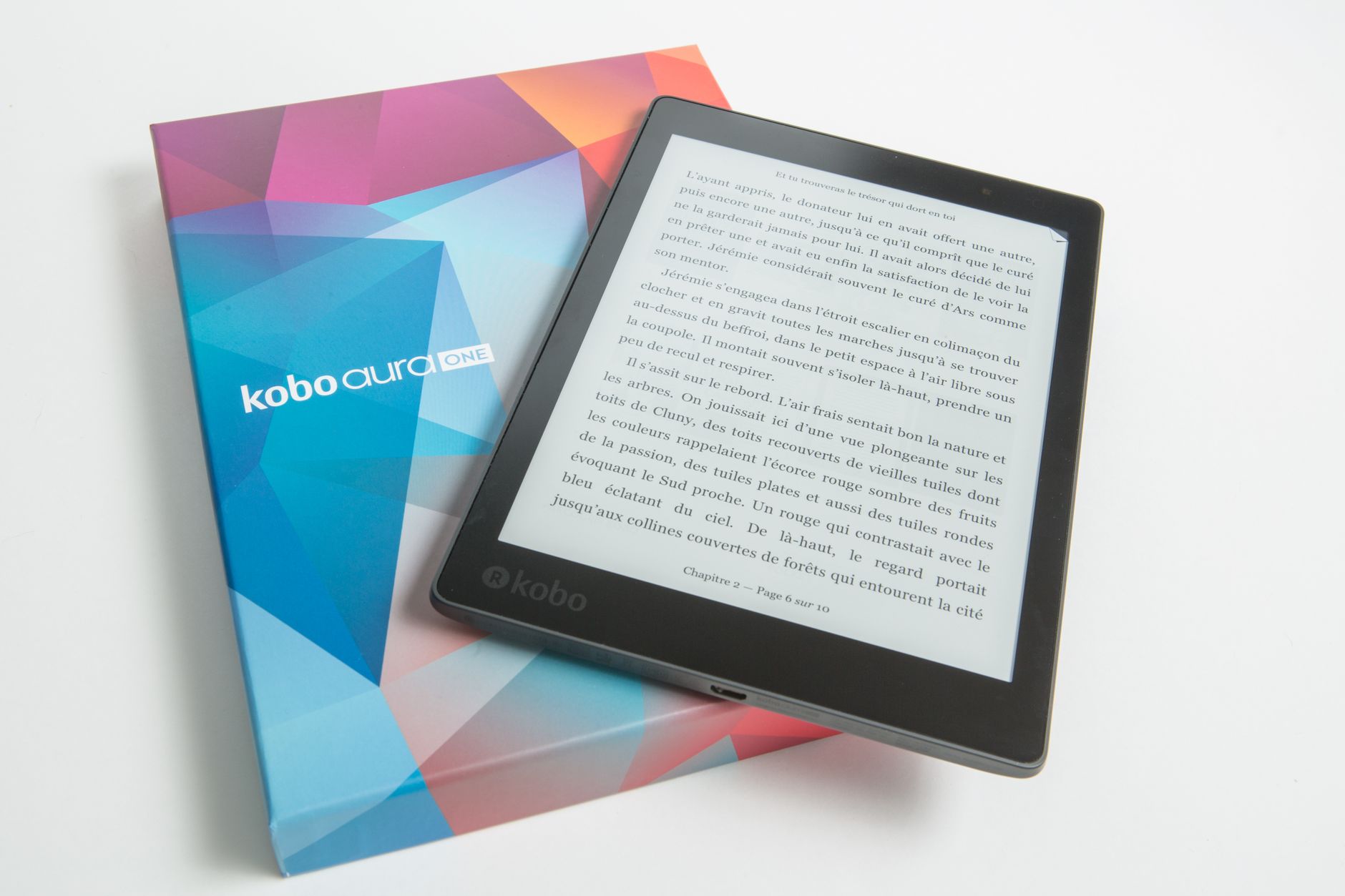
Kobo news tends to revolve around the brand's real strengths: wide format support, native EPUB, and library borrowing baked straight into the device through OverDrive and Libby. If you live in your local library's catalog, this is the platform to watch, and we track new models like the Libra Colour and Elipsa 2E closely.
We report new hardware, software features, and regional availability, plus any changes to how Kobo devices sync and organize your books. When a feature genuinely improves reading or annotation, we explain the practical payoff in plain language rather than repeating Kobo's marketing framing.
reMarkable and Note-Taking Tablets
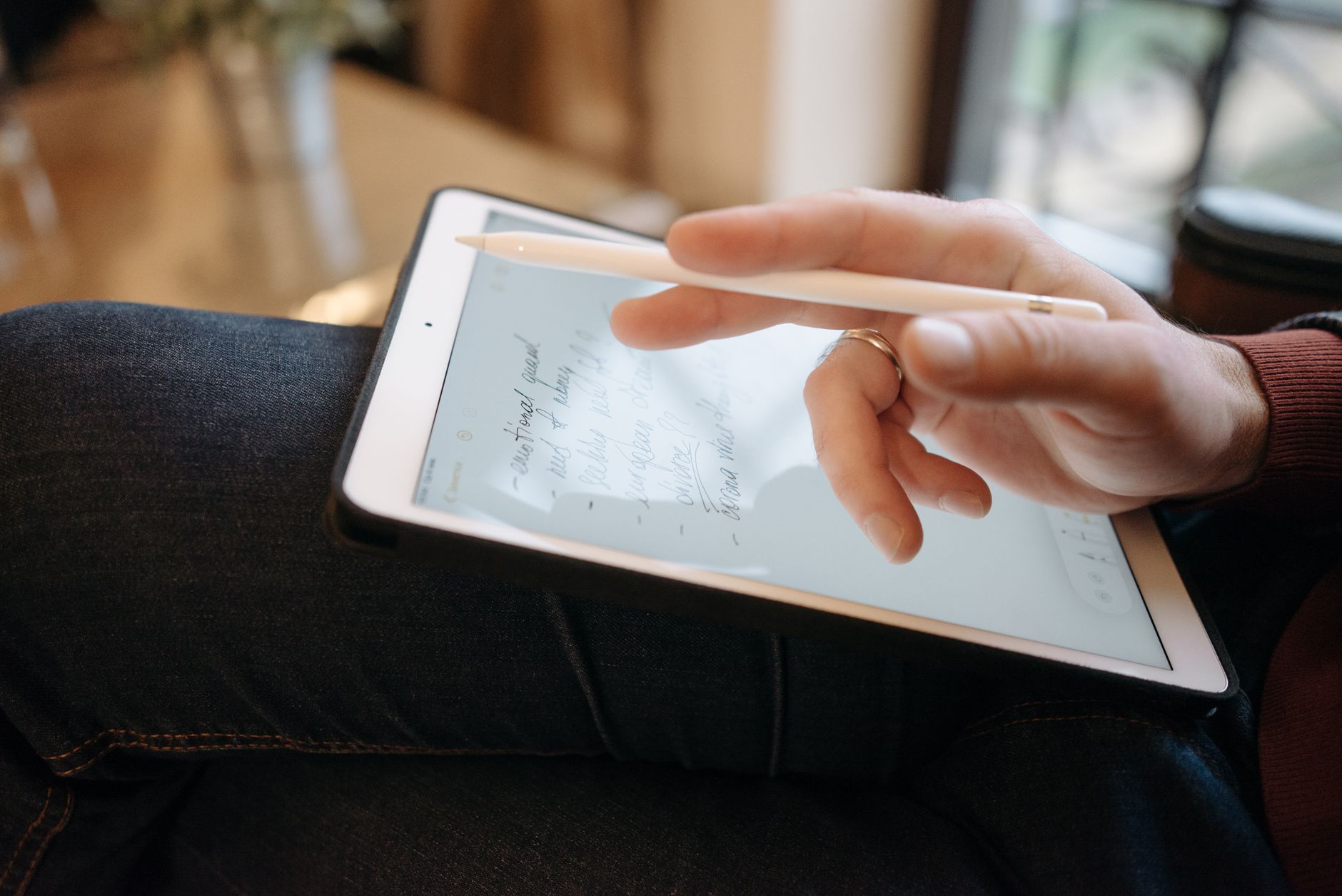
reMarkable news is a different world from bookstore chatter. Here the story is handwriting feel, document handling, and organization, and updates can genuinely reshape how a student or professional works. When the Paper Pro added color and a front light, that was not a spec bump, it changed who the device was for.
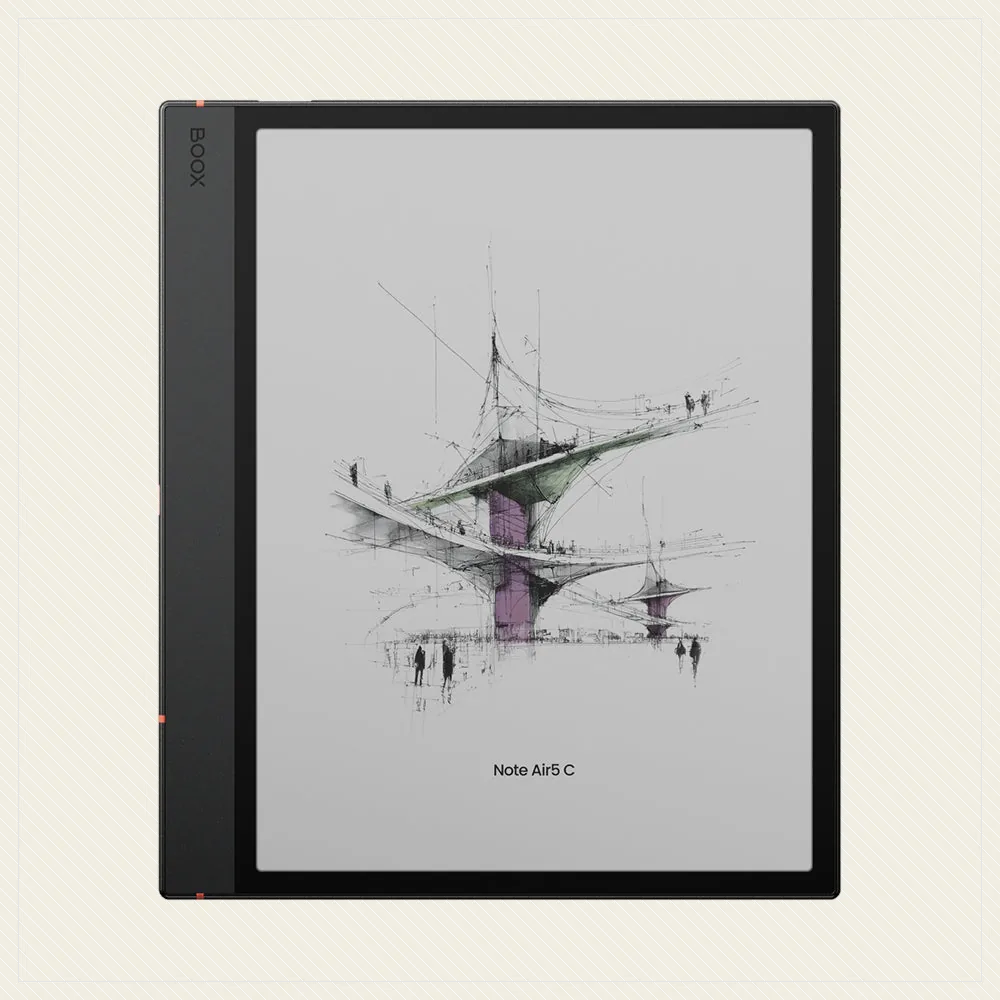
We cover hardware releases, changes to subscription and cloud features, and software updates that touch exporting, syncing, and PDF markup, including movement on rivals like the Supernote Manta and Boox Note Air 4C. Because these are productivity tools, not casual readers, we are clear about whether a given change helps your workflow or is just polish.
How to Choose While Reading the News
When you are comparing models, weigh display size and sharpness, front light quality, format support, storage, water resistance, and whether you actually need a pen. The newest device is rarely the right one: a Kindle Paperwhite or Kobo Libra Colour beats a fancier tablet if it matches how you read.
Use this feed to time your buying. Wait for the seasonal sales, and do not buy a model right before its refresh. And here is the move most sites will not tell you: if a firmware update adds the feature you wanted, that is often reason enough to keep your current device and skip the upgrade entirely.
Frequently asked
How often is ereader news updated
We post when something actually happens, firmware rollouts, launches, real sales, not on a fixed schedule to fill space. Big shopping periods and new hardware announcements are the busiest stretches, and that is when checking back pays off most.
Should I install every firmware update
No. Some updates are trivial, and a few even introduce regressions. Read the notes first. If an update targets a bug you actually have or adds a feature you actually want, install it. Otherwise there is no rush, and waiting a week lets other owners surface any problems.
When is the best time to buy an e-reader
Prices fall hardest during major seasonal sales, and a new model launch usually drops the price of the outgoing generation, which is often the smarter buy. Watching the feed keeps you from purchasing days before a refresh and helps you pounce when the model you already wanted goes on sale.