Onyx Boox - Every Model & Review
Onyx Boox is the brand you buy when you refuse to be told what your e-reader can do. This Chinese maker runs full Android on its e-ink devices, which means the same screen can open Kindle, Kobo, Libby, a PDF, a browser, and a note-taking app, all on one paper-like display. That flexibility is unmatched, and it comes with more menus and more decisions than a locked reader ever asks of you. This hub introduces the brand and walks the lineup, from the pocket-sized Palma to the Note Air 4C, so you can find the right fit.


Who Onyx Boox Is For
Boox is for readers who feel trapped by single-store devices and want to mix formats, subscriptions, and note-taking on one screen. Because it runs Android, you can sideload the Kindle app, the Kobo app, Libby, Dropbox, and your favorite document tools, all things a locked Kindle or Kobo simply will not let you do. For anyone whose library is scattered across stores, that is the whole reason to buy in.
The honest trade-off is complexity. If you only read purchased ebooks and want the simplest possible life, a Kindle Paperwhite or Kobo will make you happier, because Boox hands you an Android device with all the fiddliness that implies. But if you juggle PDFs, EPUBs, comics, articles, and handwritten notes and want them all in one place, the openness of Boox is the point and nothing else does it as well.
How Onyx Boox Devices Work
Every current Boox uses an e-ink display for that low-glare, paper-like reading surface that stays legible in bright sun. The higher-end models add a warm-and-cool front light so you can shift color temperature for daytime and late-night reading, and the note tablets pair the screen with a genuinely capable pen.
On top of the hardware sits a customized Android build with Boox's own app store and, on many units, access to Google Play. That is the magic: one device that opens a reading app, a browser, and a note-taking tool side by side. It is exactly what separates Boox from a Kindle or Kobo, and also exactly why it takes a little more setup to get right.
The Pocketable Line
The Boox Palma is the standout small device, shaped like a phone so it drops into a pocket or bag without a thought. It runs the same open Android as the big models, so people read, listen, and run light apps on it without lugging a full tablet around. It has quietly become one of the most talked-about products the brand makes, and deservedly so.
This form factor is made for commuters and one-handed readers who want e-ink comfort in a body they can hold all day. It is not built for serious writing, so do not buy it as a notebook. As a distraction-light pocket reader that also happens to run whatever app you like, though, there is genuinely nothing else quite like it.
Compact Readers and the Boox Go Range
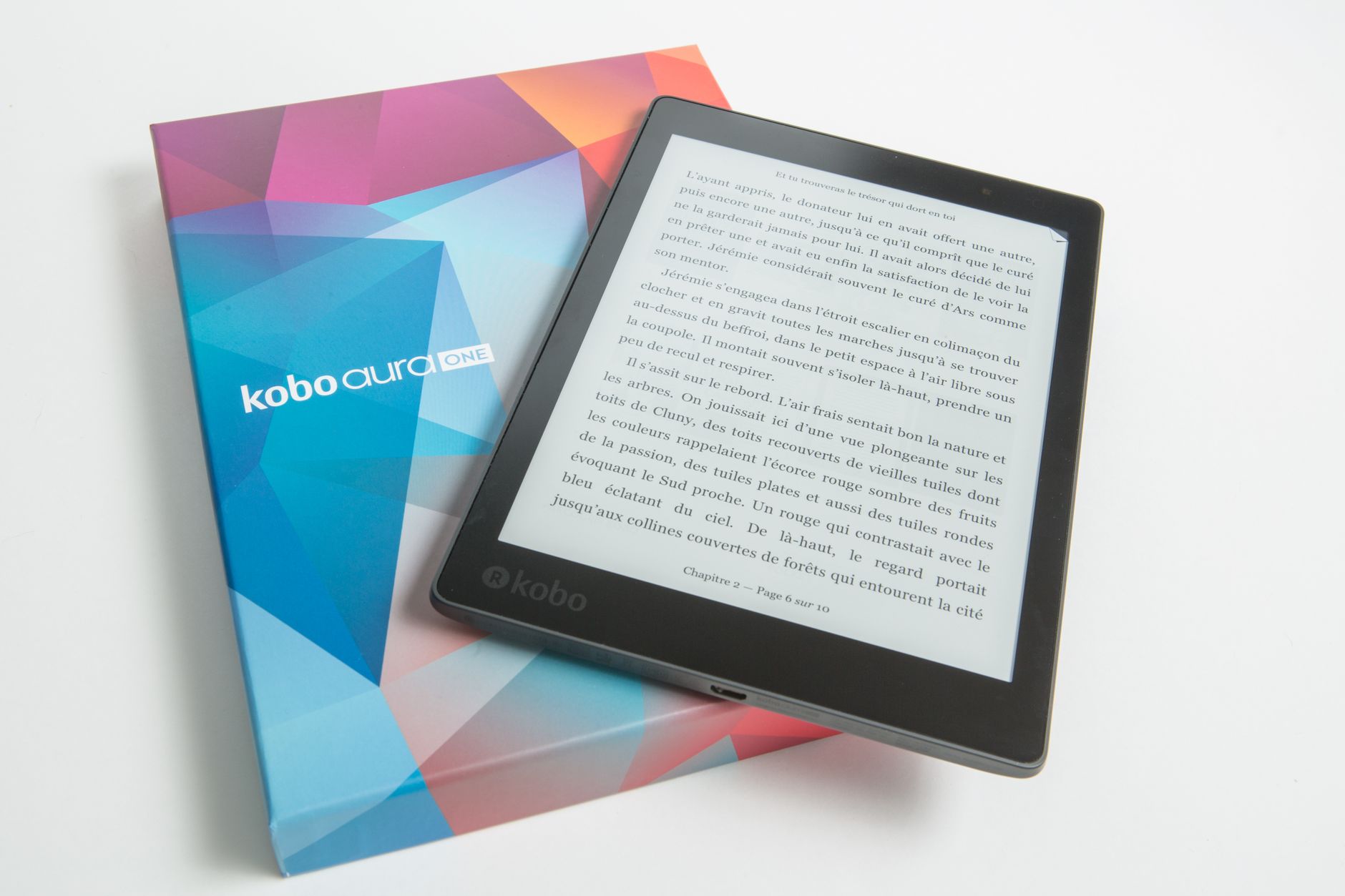
The Boox Go family goes after readers who want a light, focused device at mainstream e-reader sizes, competing head-on with the Kindle Paperwhite and Kobo Clara while keeping the open Android software. These models are about portability and long battery for everyday book reading, without the extra bulk of a note tablet.
Choosing within the Go range comes down to screen size and whether you want a front light and page-turn buttons. If your priority is a straightforward reading device that still lets you install your own apps and read across multiple stores, the Go line is the natural starting point and the easiest Boox to recommend to a first-timer.
Note-Taking Tablets Including the Boox Note Air
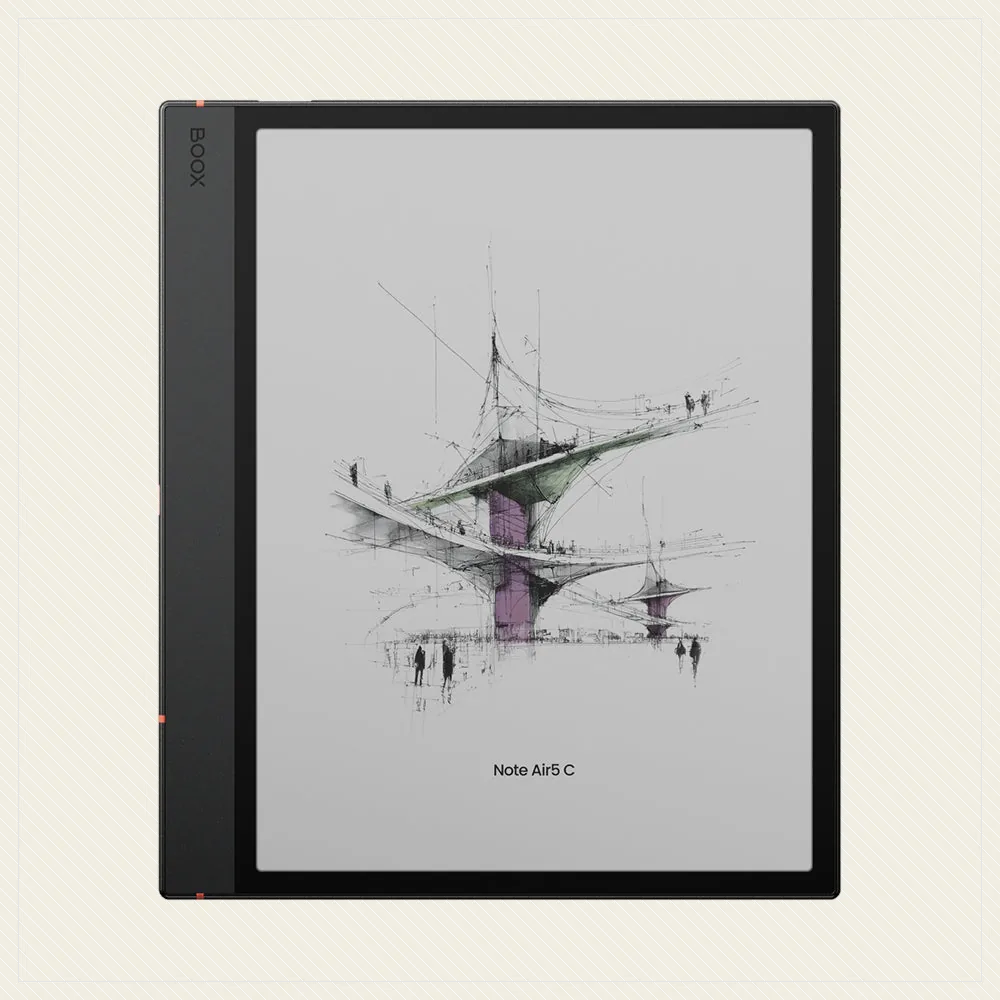
For writing and study, the Boox Note Air series pairs larger displays with a pen for handwriting, annotation, and sketching on e-ink, and the Note Air 4C brings color into the mix. These are aimed at students, professionals, and anyone who marks up documents and wants a paper feel instead of a glossy glare, and they go toe to toe with the reMarkable Paper Pro and Kobo Elipsa 2E.
Alongside the Note Air, Boox offers other large-format and color note tablets, so you can match screen size, color, and pen performance to your workflow. The common thread, and the reason to pick Boox over a reMarkable, is that your notes, PDFs, and entire reading life live on the same open device rather than in a closed silo.
Choosing the Right Model
Start with your main use. Grab a Palma for on-the-go pocket reading, a Go model for a light everyday book device, or a Note Air-class tablet if handwriting and PDF markup are the priority. Get that right and the rest is detail.
Then weigh the secondary stuff: color versus black-and-white, screen size, front light, and, honestly, whether you truly need full Android flexibility or would be happier with the simplicity of a Kobo. Boox refreshes its lineup often, so confirm current specs and pricing on the official Onyx Boox channels before buying, because there is usually a newer model than you think.
Frequently asked
Is Onyx Boox better than a Kindle or Kobo?
It depends entirely on how you read. Boox runs open Android, so it installs the reading and note apps that closed devices block, which is ideal for mixed formats and heavy annotation. But if you just want simple, integrated ebook shopping and no fuss, a Kindle or Kobo is easier to live with. Flexibility versus simplicity is the real choice.
Can I write and take notes on Boox devices?
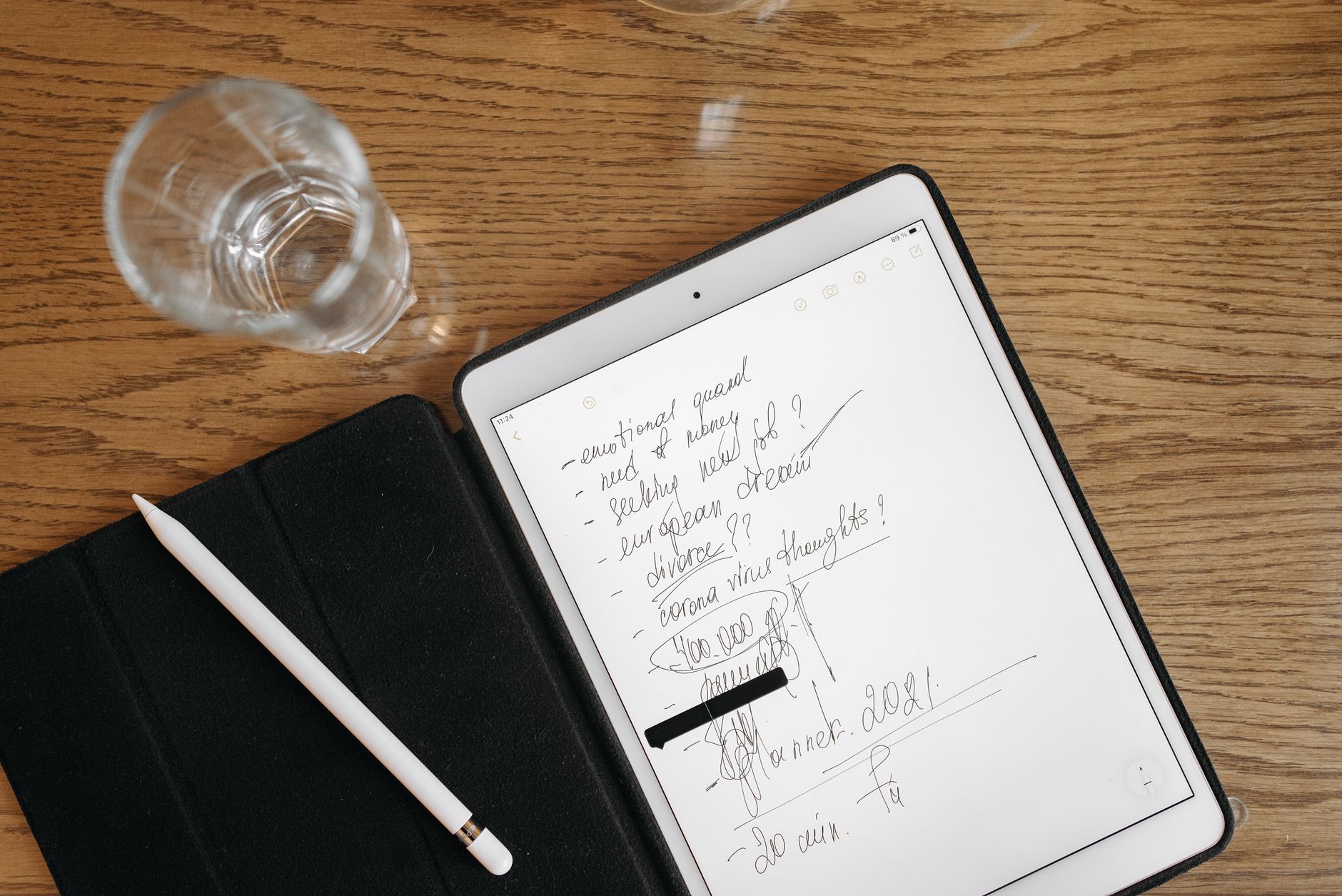
Yes. Many models, especially the Boox Note Air series, ship with pen support for handwriting, sketching, and marking up PDFs directly on the e-ink screen, rivaling a reMarkable. The smaller reading-focused units like the Palma and Go emphasize reading over writing, so check pen compatibility before you buy if notes matter.
What is the difference between the Boox Palma and the Boox Go line?
The Palma is a phone-sized pocket reader built for one-handed, on-the-go use, while the Go range covers compact reading tablets in more traditional e-reader sizes. Both run the same open Android, so the choice really comes down to form factor: a pocket you can hold all day versus a proper book-sized screen.