reMarkable Paper Pro Review
The reMarkable Paper Pro is the closest thing e-ink has to a religious experience for people who love handwriting. It does less than almost every other tablet on this site, on purpose, and charges a premium for the privilege. If that sounds absurd, you are not the target buyer. If it sounds like exactly what you have been looking for, read on, because it is the best pure writing device in its class, with a couple of caveats worth knowing before you spend this much.
Specifications
| Screen | 11.8" |
|---|---|
| PPI | 229 |
| Colour | Yes |
| Frontlight | Yes |
| Waterproof | No |
| Stylus | Yes |
| Storage | 64 GB |
| Weight | 525 g |
| Price | $579 |
Verdict
The reMarkable Paper Pro is the best pure writing tablet you can buy, and the addition of colour makes an already special device more useful. It is expensive, deliberately narrow, and nudges you toward a subscription, none of which will matter to the person it is built for. If handwriting is the point, this is the one to beat. If you want a device that also reads, browses and runs apps, look almost anywhere else.
What we like
- The best pen-on-paper writing feel in e-ink, now with subtle colour
- Large 11.8 inch screen, superb for notes and PDF markup
- Focused, refined handwriting software with reliable text conversion
- Premium build and clean cross-device syncing
Worth noting
- Very expensive, and the pen and case usually cost extra
- Some cloud and handwriting features need the Connect subscription
- No frontlight and only basic ebook reading
- Deliberately closed: no app store, no browser
Design and the Writing Feel
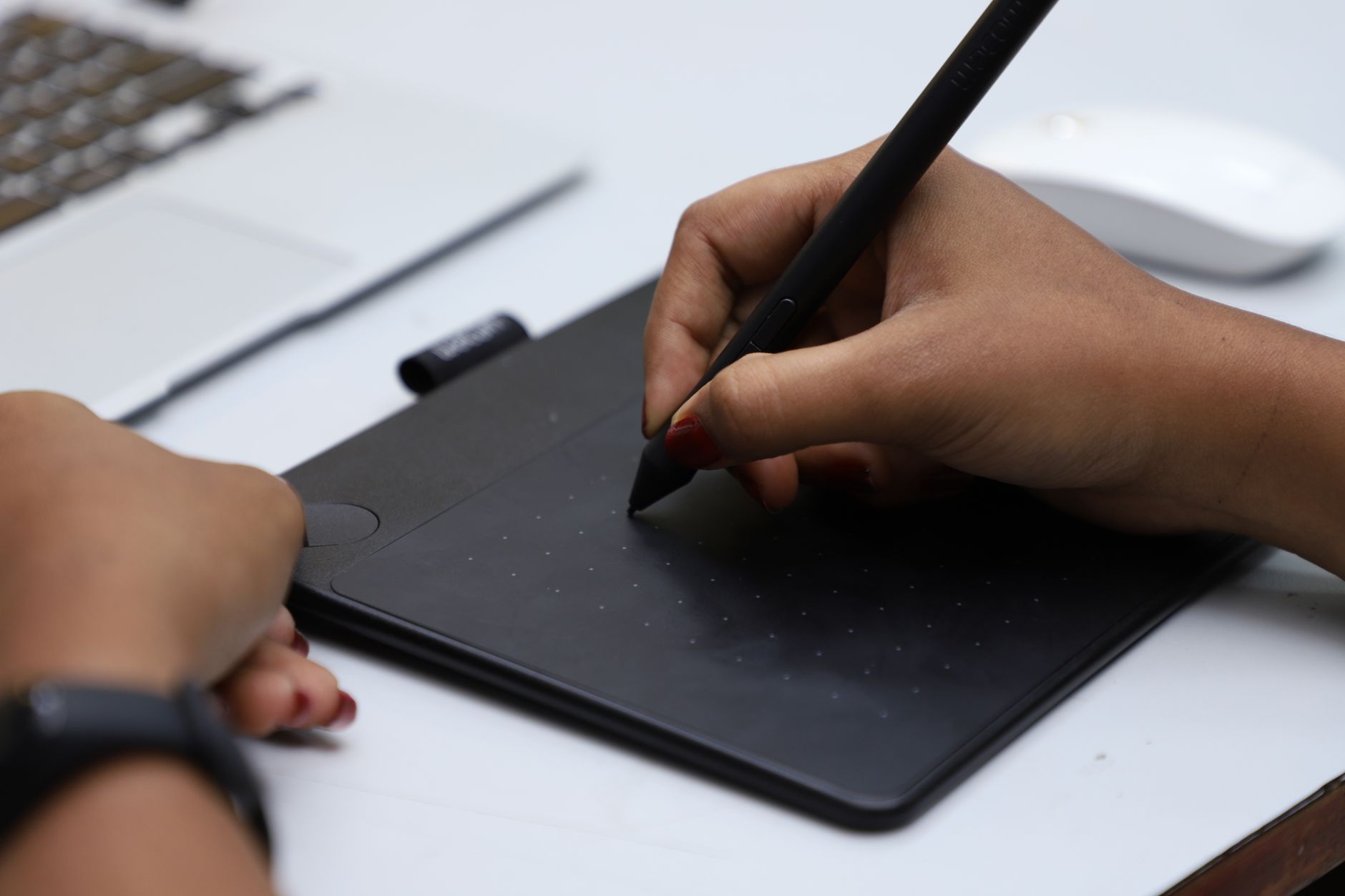
Everything about the Paper Pro is built around the pen. The 11.8 inch panel is large, flat and beautifully thin, and the writing surface has that faint, slightly toothy friction that makes the Marker feel like a real pen on real paper. This is the single thing reMarkable does better than anyone, and it is not close. The company also moved to a colour e-ink screen here, so notes and highlights now carry a muted, pastel colour that is genuinely useful for organising ideas even if it will never be vivid.
The hardware is premium and so is the box: the basic Marker or the Marker Plus with its eraser tip are usually extra, and a folio case is another line item. Build quality is superb, but you feel the price adding up before you have written a word.
Software: Focus as a Feature
reMarkable's whole pitch is a device with no notifications, no browser and no apps to fall into. What it does have is the most refined handwriting software in e-ink: fast, reliable handwriting-to-text conversion, clean layers and templates, and tidy syncing to phone and desktop apps. For turning messy meetings and half-formed thoughts into something searchable, it is excellent.
The flip side is that it is deliberately limited. There is no third-party app store, PDF and ebook reading is functional rather than delightful, and some cloud and handwriting features sit behind the optional Connect subscription. You are buying a single-purpose tool and paying an ongoing fee if you want the full cloud experience, which rubs some buyers the wrong way.
Reading and Documents
As a document and PDF device the big screen is a real asset, and marking up contracts, papers or sheet music is a pleasure. As an ebook reader it is more of a compromise: there is no frontlight, so you need decent ambient light, and the reading software is basic compared with a Kindle or Kobo.
Think of reading here as a bonus rather than a reason to buy. If you want a device that reads books brilliantly and takes notes, the Kindle Scribe or Kobo Elipsa make more sense. The Paper Pro is for people who write first and read second.
Battery and Value
Battery life is solid, comfortably covering a week or two of normal note-taking, and the colour screen has not wrecked it. Charging is over USB-C.
Value is the honest sticking point. At around 579 USD before the pen and case, this is one of the most expensive e-ink devices you can buy, and rivals from Boox and Supernote do more for less. What you are paying for is the writing feel, the focus and the polish, and for the right person those are worth every cent.
Who It Is For
Buy the Paper Pro if handwriting is central to how you think and work, you value a distraction-free device, and the price is not the deciding factor. Writers, students, designers and anyone who fills notebooks will feel at home.
Skip it if you want an all-rounder that also runs apps and reads books well (Boox Note Air 4C), if you want the same focus for less money (Supernote Manta or the standard reMarkable 2), or if a subscription for full cloud features is a dealbreaker.
Frequently asked
Does the reMarkable Paper Pro have colour?
Yes. Unlike the mono reMarkable 2, the Paper Pro uses a colour e-ink screen. The colours are muted and pastel rather than vivid, which suits notes and highlights more than comics.
Is there a subscription?
The device works without one, but the optional Connect subscription unlocks unlimited cloud sync and some handwriting features. Many owners are fine without it, but it is worth factoring into the cost.
Can you read ebooks on it?
You can, but it is a compromise. There is no frontlight and the reading software is basic. For serious reading a Kindle or Kobo is far better; the Paper Pro is a writing device first.
reMarkable Paper Pro or Boox Note Air 4C?
Choose the reMarkable for the best writing feel and a focused, distraction-free experience. Choose the Boox if you want colour, open Android, apps and a better reading experience in one device, for less money.