Best Cheap E-Readers Under $150
The good news about buying cheap is that entry-level e-readers are genuinely good now. A sharp 300 ppi screen and an adjustable front light, once premium features, are standard even at the bottom of the range. You give up waterproofing, buttons, colour and a bit of storage, but the core reading experience is excellent. Here is how to spend a small budget well, and where it is worth stretching a little.
What You Get and Give Up at the Low End
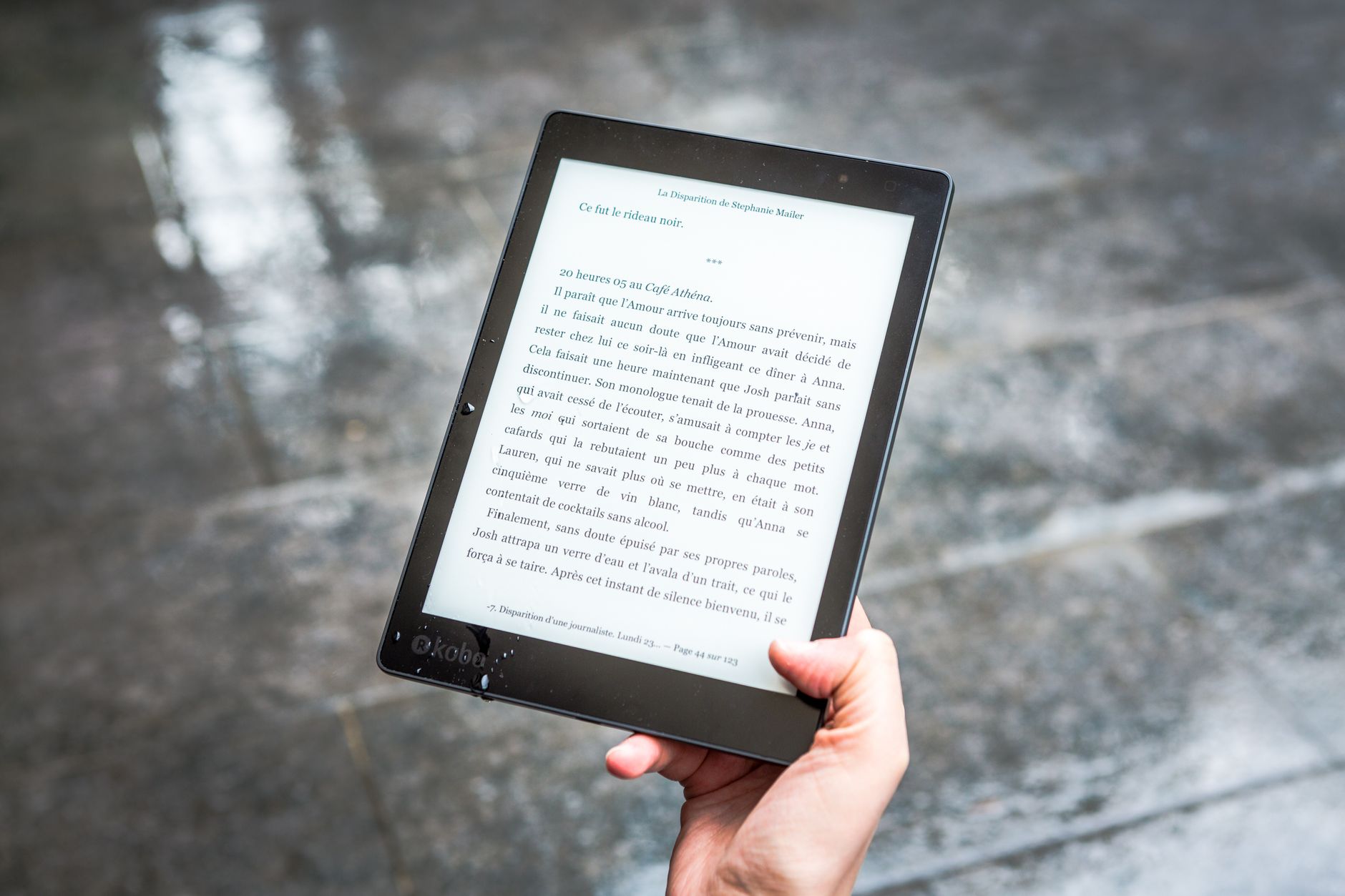
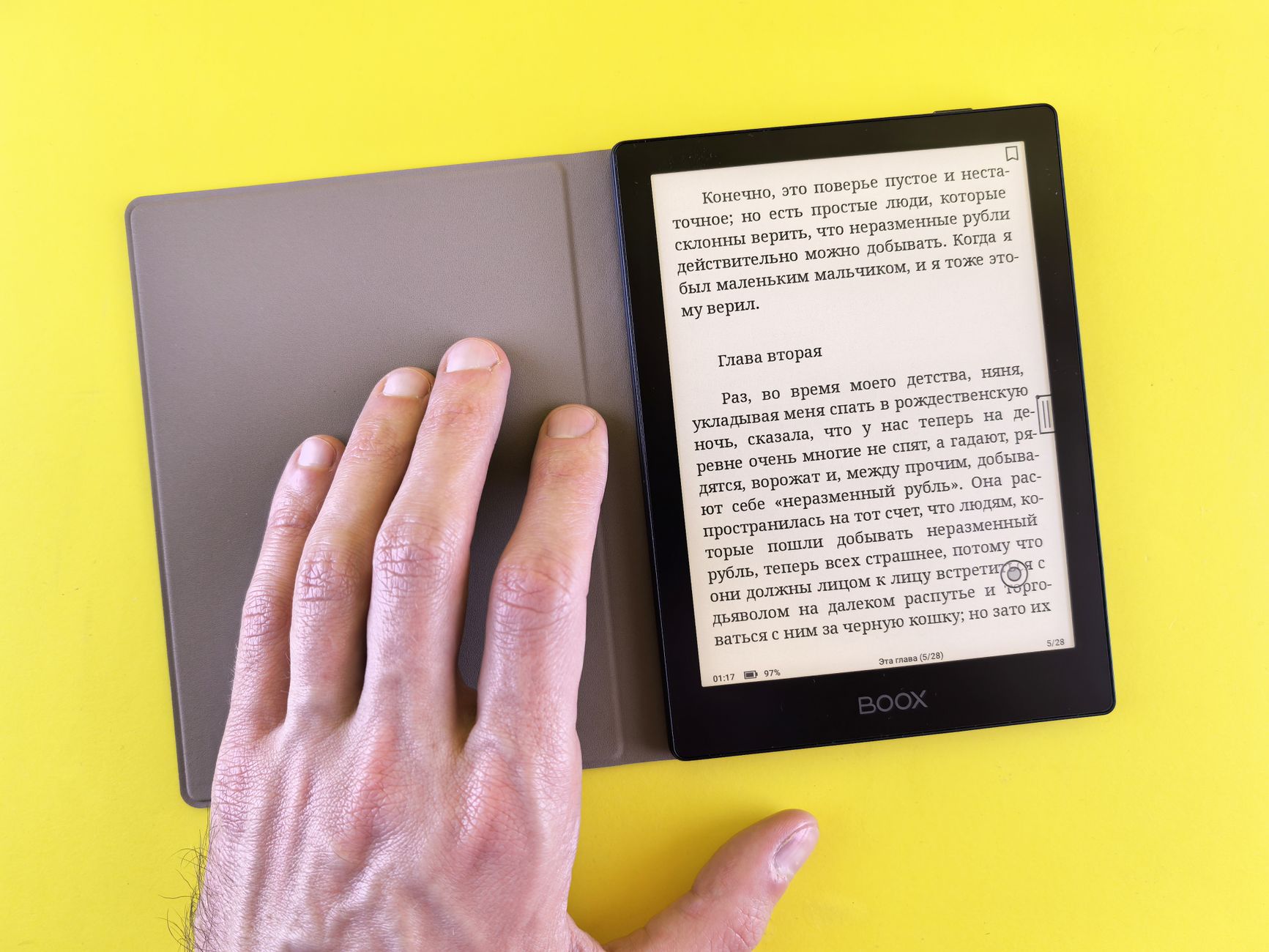
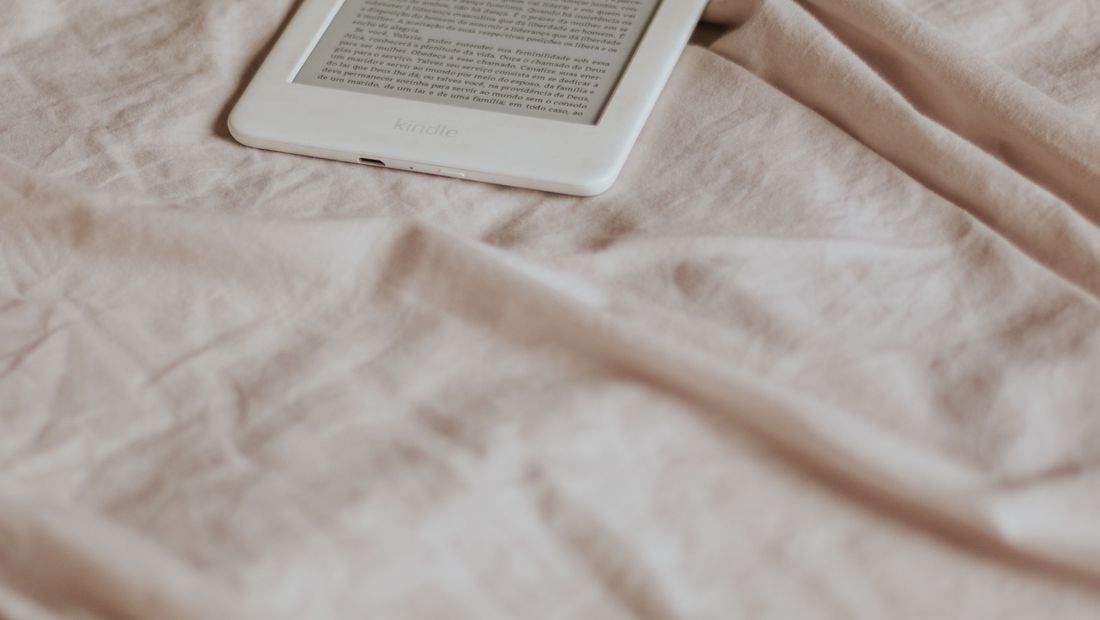
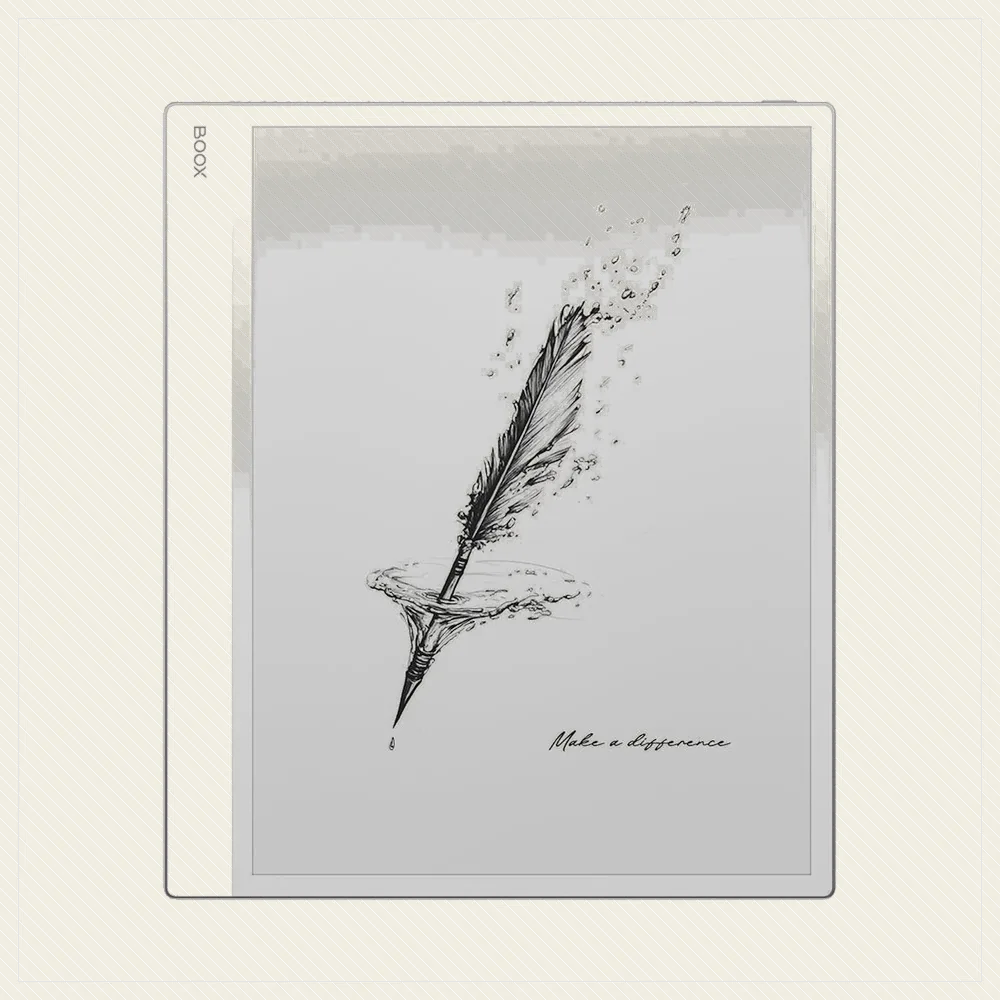
At the budget end you still get the essentials: a crisp 300 ppi e-ink screen, an adjustable front light for night reading, weeks of battery and access to a huge store. What you trade away is waterproofing, physical page-turn buttons, warm (amber) lighting, higher storage and colour. For most readers, the core experience survives that trade completely intact.
Best Cheap E-Reader Overall
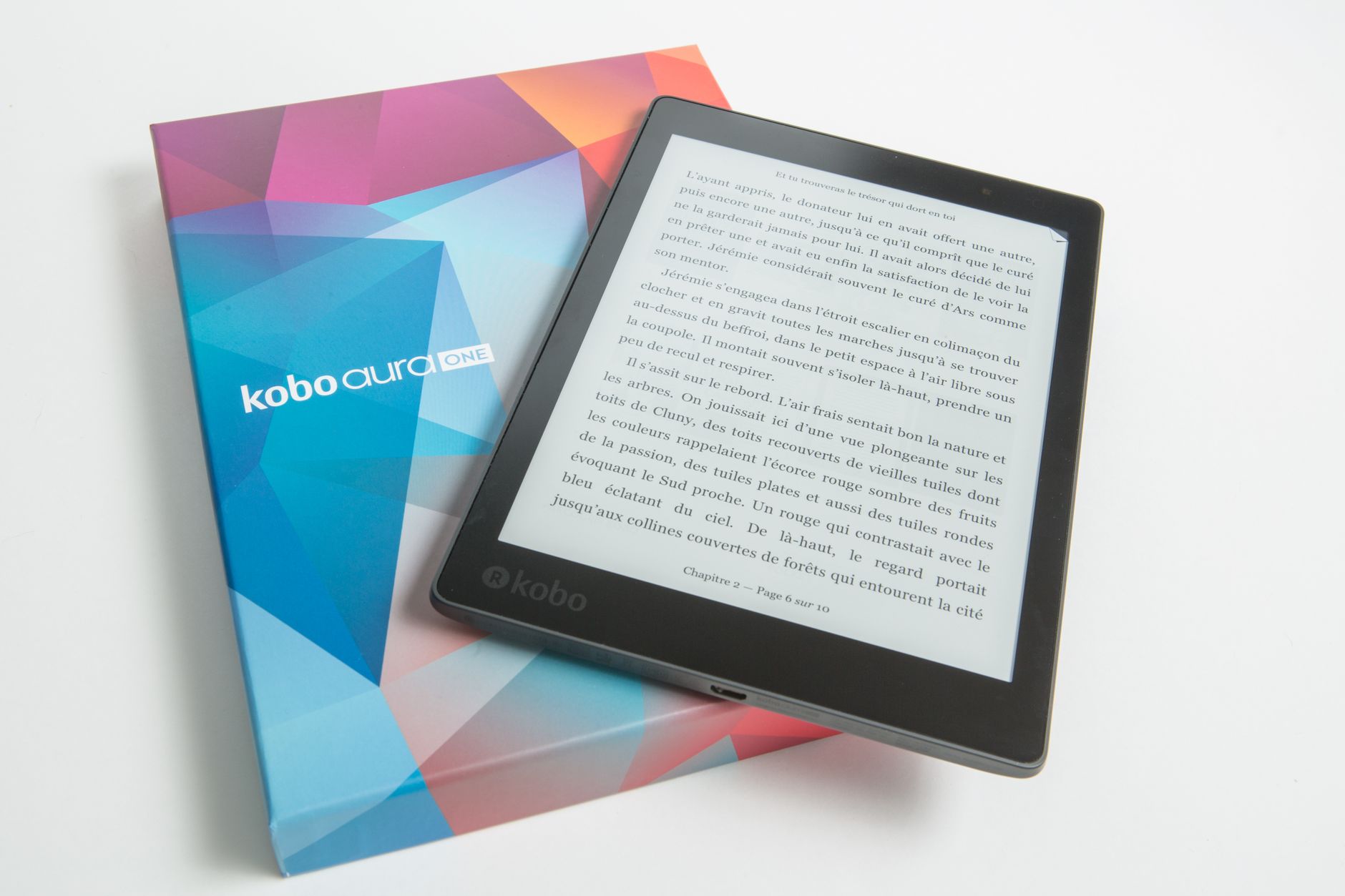
The entry Kindle and Kobo Clara BW are the two to beat. The basic Kindle is the cheapest way into a polished, huge ecosystem, while the Kobo Clara BW costs a little more but adds waterproofing and open EPUB and library support. If your budget stretches slightly, the Clara BW is the better long-term buy; if you want the absolute lowest price, the entry Kindle wins.
Worth Stretching For
If you can push the budget a bit, the Kindle Paperwhite is the classic upgrade: a bigger, waterproof, warm-lit screen that many people consider the sweet spot of the whole category. It is not cheap, but it is the model most likely to keep you happy for years, so it is worth considering before defaulting to the very cheapest option.
Where to Save More
Two easy ways to spend even less: buy the ad-supported (lockscreen offers) version, which knocks money off a Kindle for a minor annoyance you can later pay to remove, and buy refurbished or during a sale, as e-readers discount heavily on major sale days. A last-generation model at a discount often beats a new entry model at full price.
What to Avoid on a Budget
Skip no-name readers from unknown brands, which often pair dim screens and clumsy software with a store you will regret being locked into. Avoid paying for colour on a tight budget, since cheap colour means compromises elsewhere. And do not buy a tiny old model just because it is cheap; a current entry Kindle or Kobo will serve you far better.
Frequently asked
What is the best cheap e-reader?
The entry Kindle is the cheapest way into a polished ecosystem, while the Kobo Clara BW costs slightly more but adds waterproofing and open EPUB and library support. Both offer sharp 300 ppi screens and adjustable lighting.
Is it worth paying more for a Paperwhite?
Often yes. The Kindle Paperwhite adds a bigger, waterproof, warm-lit screen that many consider the category sweet spot. If your budget can stretch, it is the model most likely to keep you happy for years.
Should I buy a used or refurbished e-reader?
It is a great way to save. A refurbished or last-generation model on sale often beats a new entry-level reader at full price. Buy from a reputable seller and check the battery condition.