Best Large-Screen E-Readers (10-inch+)
A 10 inch e-reader exists to solve one problem that small readers cannot: showing a full page at full size. Textbooks, lecture PDFs, sheet music, technical papers and comics were all designed for a large page, and shrinking them onto a 6 inch screen ruins them. If your reading is document-heavy or you want to write as well as read, a large screen is transformative. Here is how to choose one, and the best picks.
Why Go Big
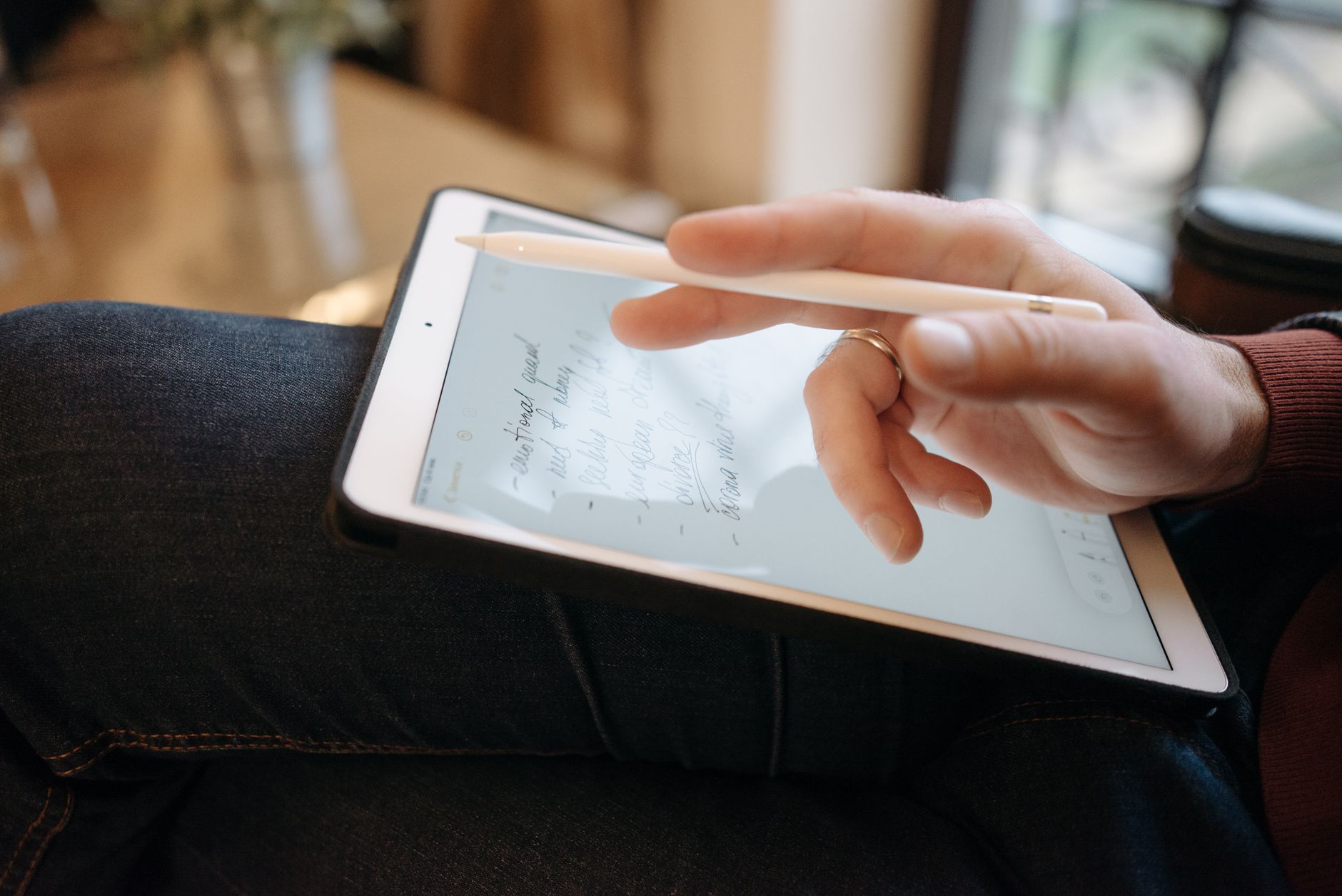
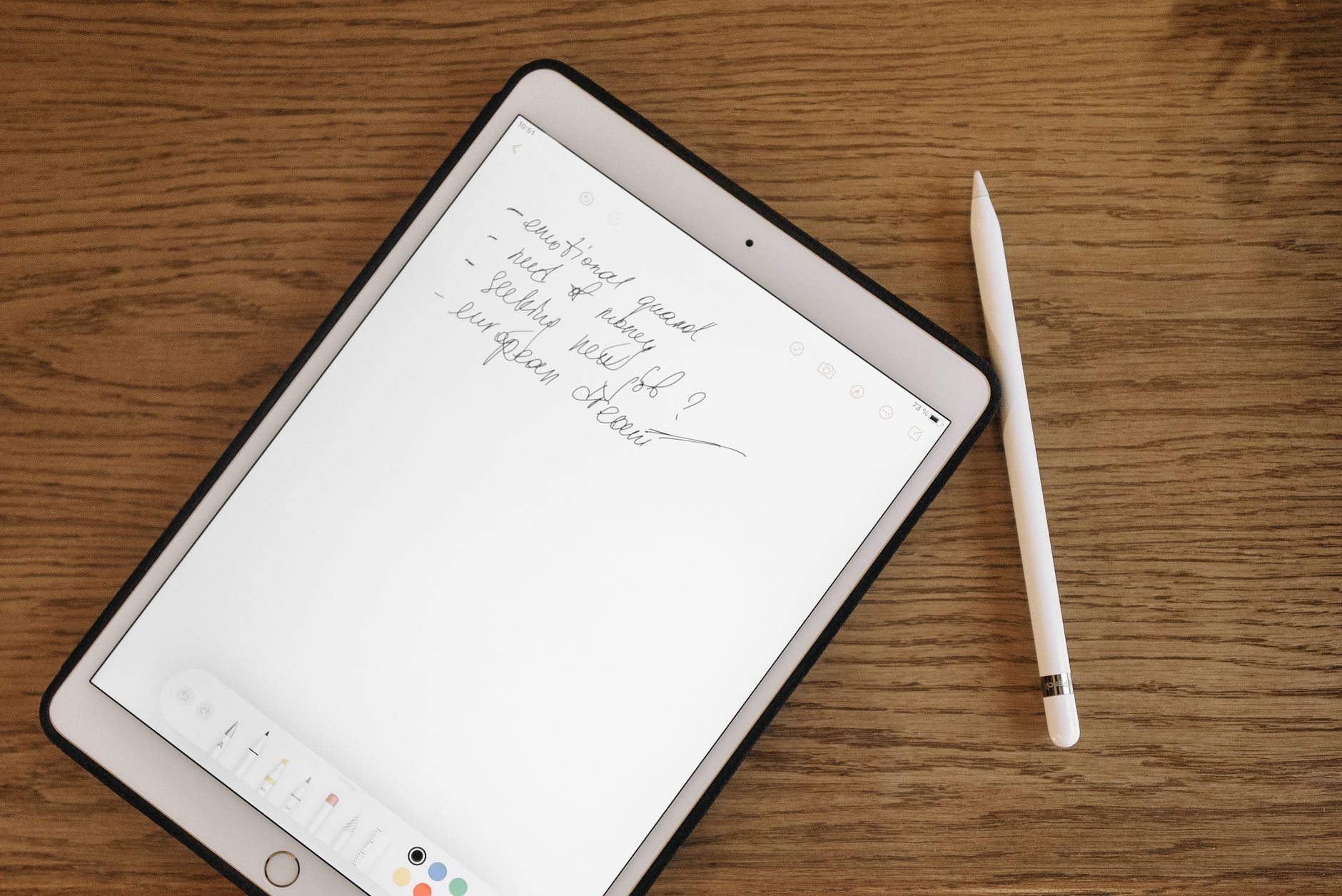
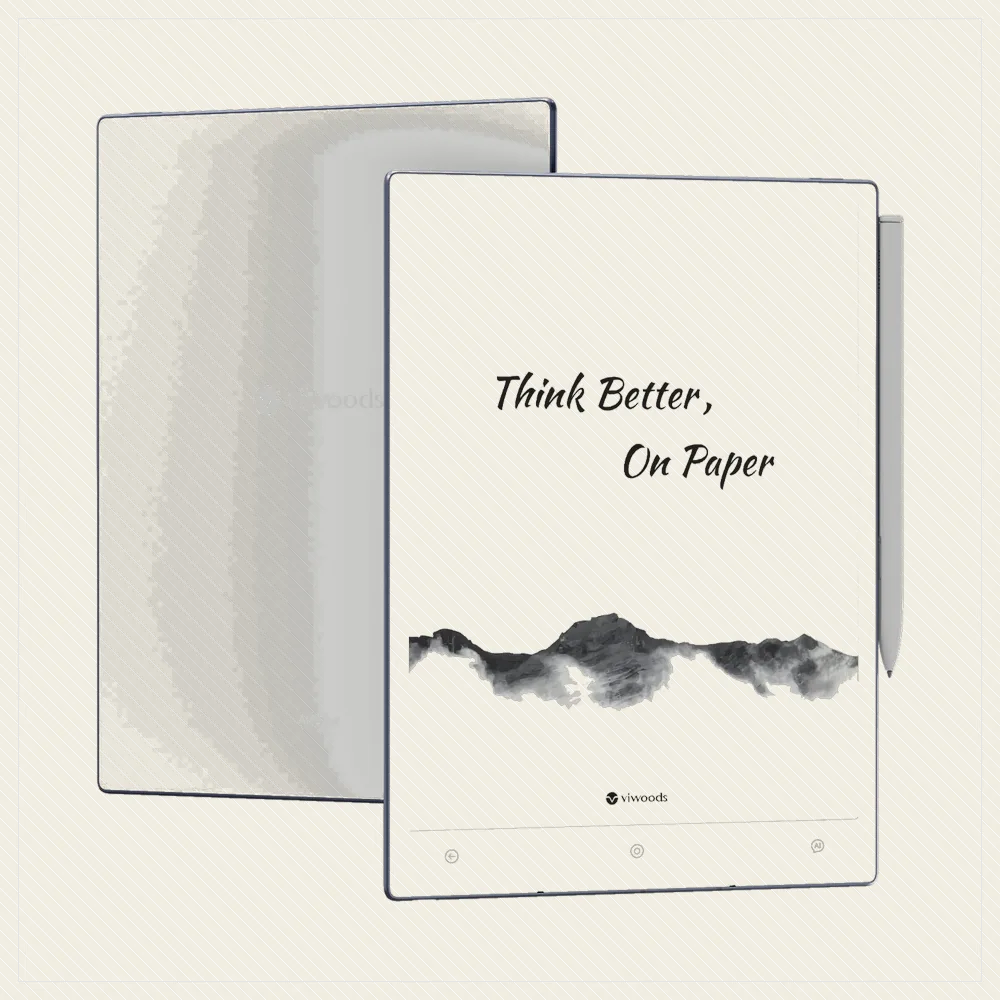
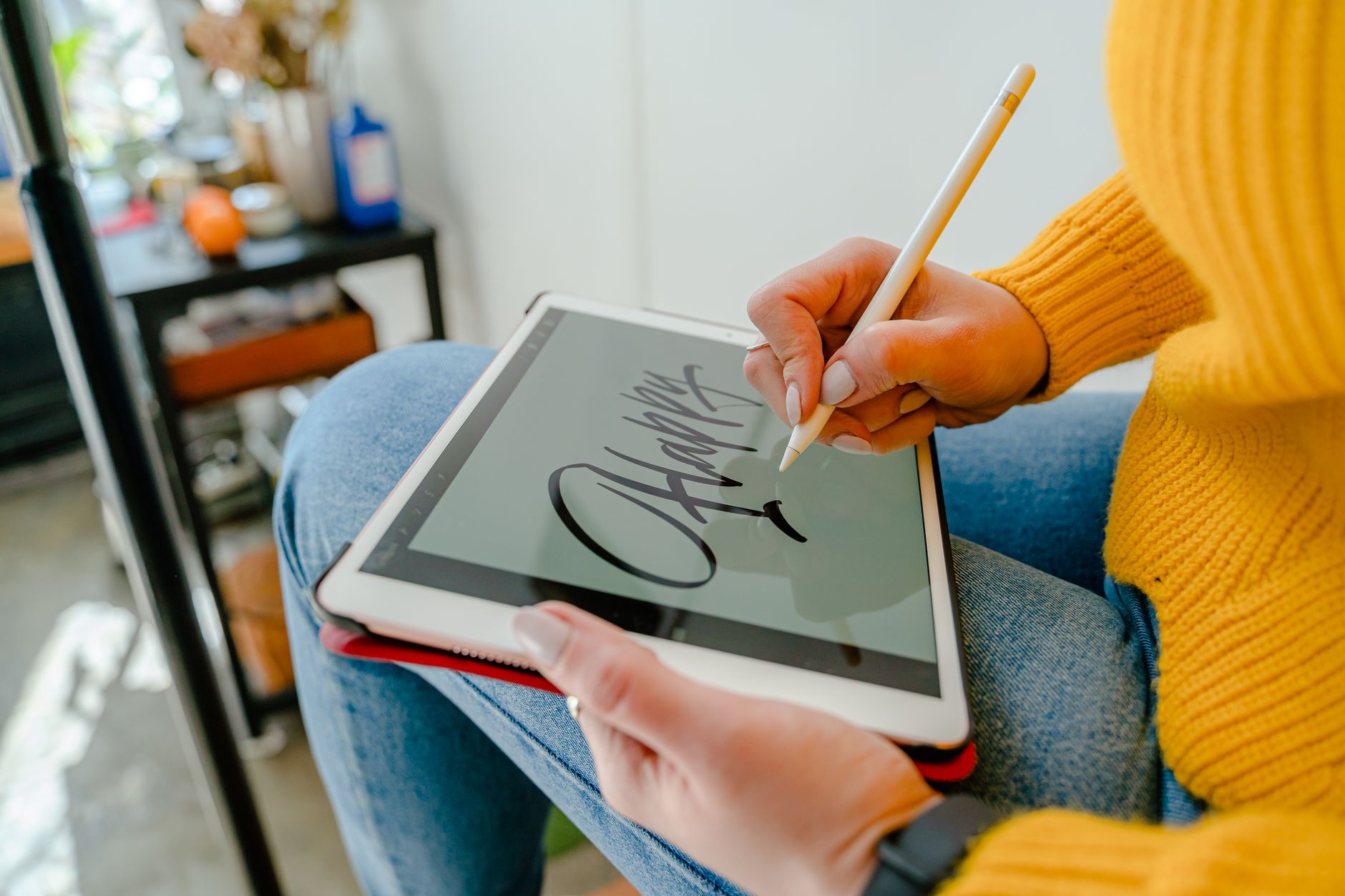
The case for 10 inches is simple: an A4 or Letter page displays close to its real size, so you read PDFs without pinching, zooming or panning. That same big surface makes handwriting natural, which is why nearly every large e-reader is also a writing tablet. The cost is portability and price, since these devices are less pocketable and more expensive than standard readers.
Best Large E-Reader Overall
For most people, the Kindle Scribe and Kobo Elipsa 2E are the best big all-rounders: large clean screens, capable pens and huge book stores, so they read and annotate equally well. The Scribe suits Amazon readers; the Elipsa 2E adds open EPUB and easy library borrowing. Both turn large-format reading from a chore into a pleasure.
Best for Writing at Size
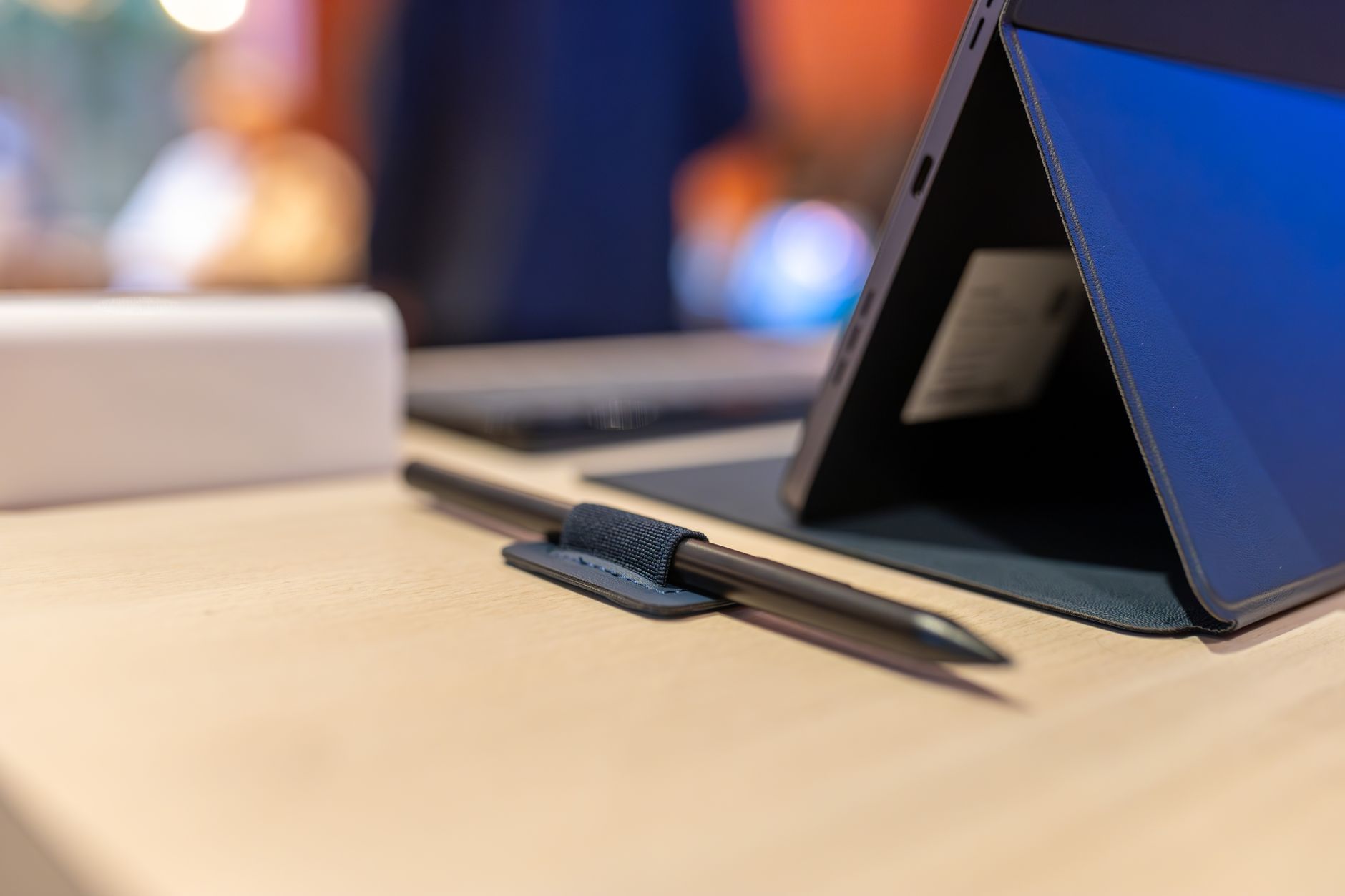
If the large screen is mainly for handwriting, the reMarkable Paper Pro leads on pen feel and focus, and the Supernote Manta offers superb note organisation and repairable hardware for less. These are pure, distraction-free writing slabs that also read PDFs well, rather than book-first readers that happen to be big.
Best Large Colour and Flexible Option
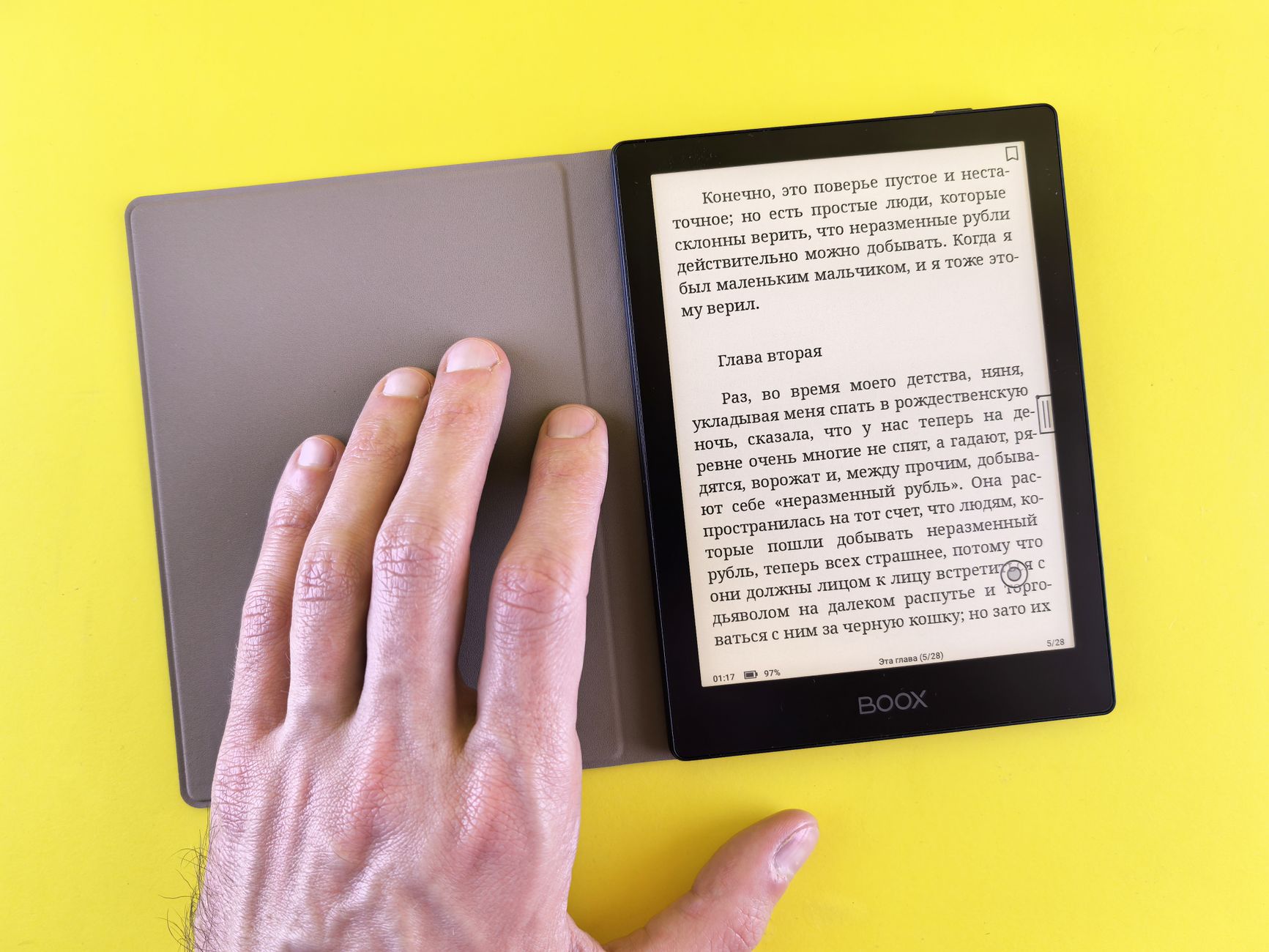
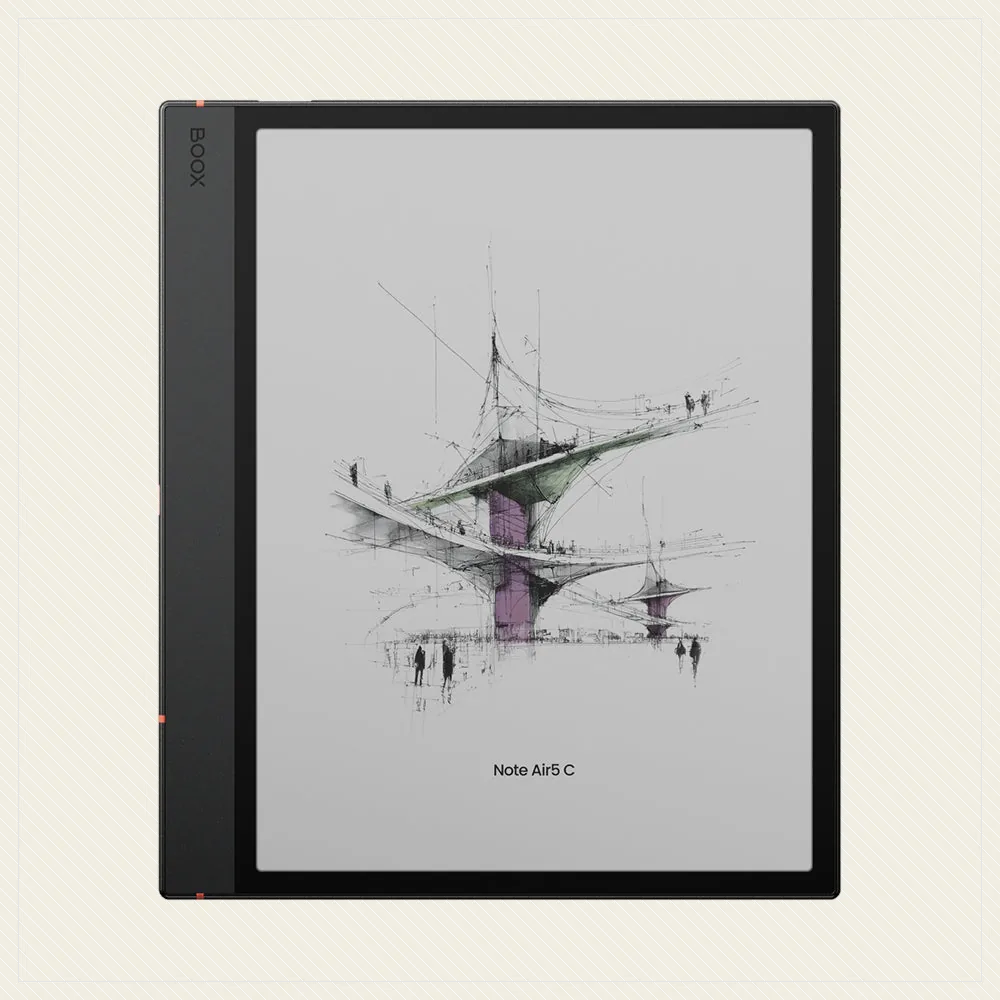
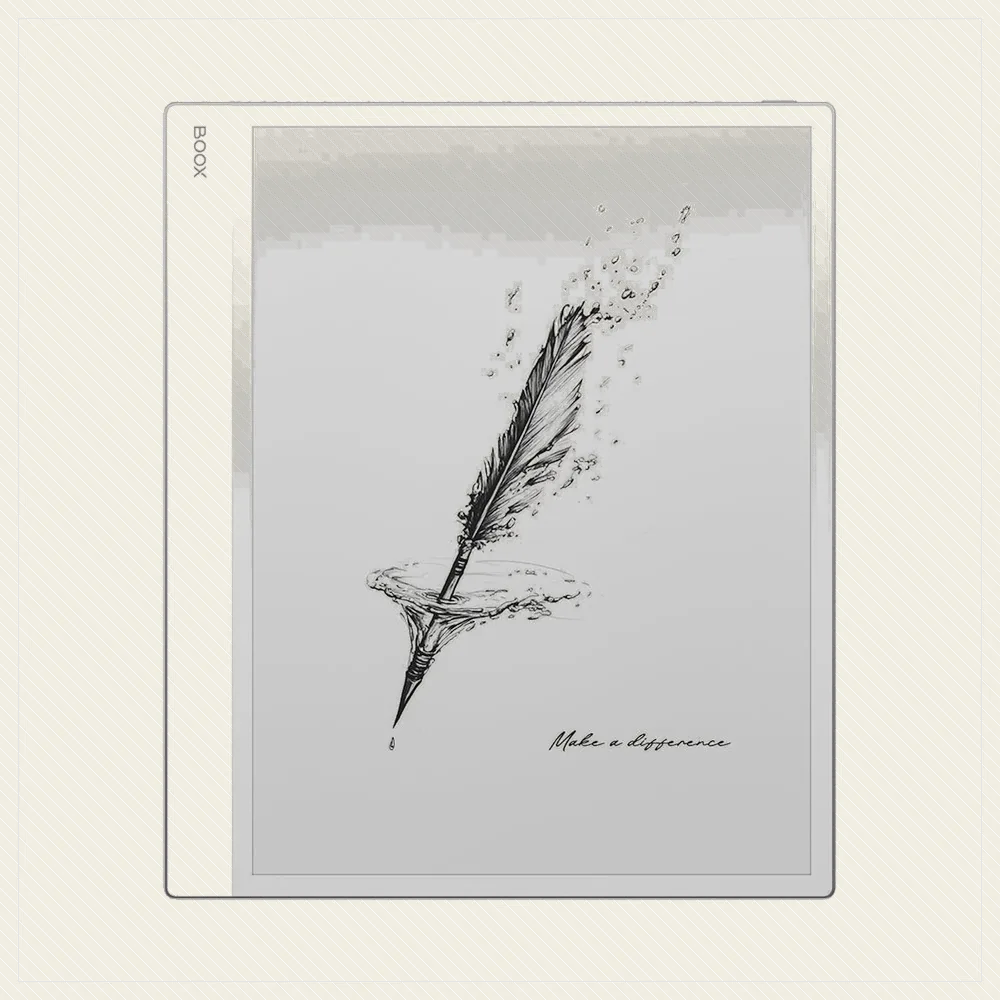
For colour documents, comics and app freedom at size, the Boox Note Air 4C is the standout: a large colour screen with open Android, so any reading, PDF or note app is available. The mono Boox Go 10.3 is the cheaper, lighter alternative. These are the most versatile big screens, at the cost of some pen polish and battery life versus a reMarkable.
Who Should Skip a 10-Inch
A big screen is not for everyone. If you mostly read novels, a 10 inch device is heavier, pricier and less pocketable than you need, and a Paperwhite or Kobo Libra will make you happier. Buy large only if you genuinely read PDFs, textbooks, comics or sheet music, or you want serious handwriting. Otherwise the size is a burden, not a benefit.
Frequently asked
What is the best 10-inch e-reader?
The Kindle Scribe and Kobo Elipsa 2E are the best all-rounders for reading and annotation. For writing-first use, the reMarkable Paper Pro or Supernote Manta; for colour and app flexibility, the Boox Note Air 4C.
Do I need a 10-inch e-reader?
Only if you read PDFs, textbooks, comics or sheet music, or want to handwrite. For novels, a smaller 6 or 7 inch reader is lighter, cheaper and more pocketable, and reads reflowable ebooks just as well.
Are all large e-readers writing tablets?
Nearly all of them, yes. The big screen that suits full-page PDFs also suits handwriting, so most 10 inch devices include or support a pen. If you only want to read, you are paying for pen features you may not use.